
What Is RAM Speed and How Does It Affect Computer Performance?
Learn what RAM speed means, how memory capacity affects performance, and what to check when choosing system memory.
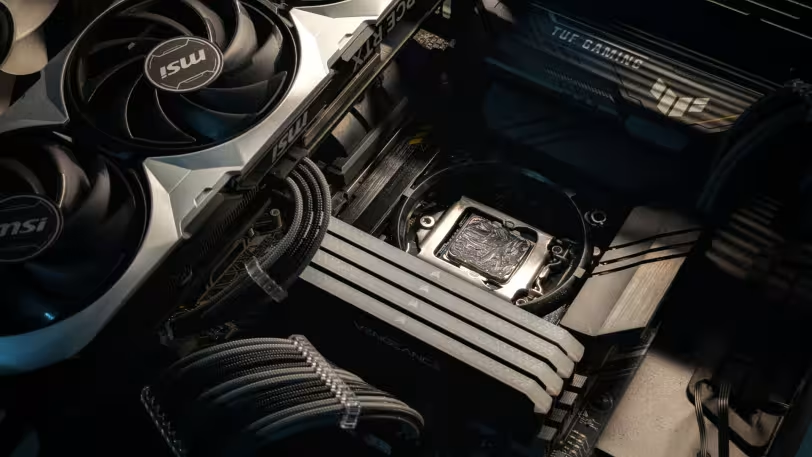
RAM speed shows how quickly system memory can exchange data with the processor, but it is not the only factor that affects computer performance. Memory capacity, RAM type, dual-channel support, motherboard compatibility and processor support also play important roles in overall system performance.
What Is RAM and What Does It Do?
RAM is the temporary system memory used by a computer. The operating system, open programs, games, browser tabs and active data are kept in RAM so the processor can access them quickly.
RAM is not permanent storage. Data held in RAM is deleted when the computer is turned off. For this reason, RAM is used to support active tasks and improve system responsiveness, not to store files permanently.
What Does Memory Speed Mean?
Memory speed refers to how quickly RAM can exchange data with the processor. Values shown as MHz or MT/s help users understand the operating speed of a memory module.
Higher RAM speed can improve performance in some situations. However, speed alone does not determine the result. The motherboard, processor, RAM generation and dual-channel configuration also affect memory performance.
How RAM Speed Affects Computer Performance
RAM speed becomes more important in tasks that require heavy data movement between the processor and memory. Games, video editing software, multitasking and systems with integrated graphics may be more affected by memory speed.
For everyday use, RAM capacity is also important. When a computer does not have enough memory, the system may need to clear and reload data more often. This can cause slower app launches or system stutters.
What Is Memory Capacity?
Memory capacity shows how much temporary data a computer can hold at the same time. Values such as 8 GB, 16 GB or 32 GB refer to RAM capacity.
Lower capacity may be enough for basic internet use, office programs and light tasks. Higher capacity can provide a smoother experience for gaming, content creation, video editing and running many applications at once.
Is RAM Speed or Capacity More Important?
The priority between RAM speed and capacity depends on how the computer is used. If the system does not have enough RAM, increasing capacity usually provides a more noticeable benefit. Insufficient memory can limit performance even when fast RAM is installed.
After enough capacity is available, RAM speed, dual-channel use and memory type become more important. Faster memory may support performance in games, integrated graphics systems and applications that depend on high data transfer.
System Memory and Video Memory
System memory usually refers to the computer’s RAM. Programs, the operating system and temporary processes run on this memory.
Video memory is used by the graphics card for graphics-related tasks. Dedicated graphics cards have separate video memory. In some systems with integrated graphics, part of the system RAM may be used as video memory.
DDR4 and DDR5 RAM
DDR4 and DDR5 are different RAM generations. DDR5 is a newer standard and can operate at higher speed values. However, not every computer supports DDR5 RAM.
Users should not choose RAM based only on speed. The memory type supported by the motherboard, processor compatibility and module format must also be checked. DDR5 RAM cannot be installed on a motherboard that supports only DDR4.
What Is Dual-Channel RAM?
Dual-channel RAM allows two memory modules to work together to increase memory bandwidth. This can make data transfer between the processor and RAM more efficient in some systems.
Dual-channel use may improve performance in computers with integrated graphics and in applications that are sensitive to memory bandwidth. The motherboard and RAM modules must support this configuration.
What to Check When Choosing RAM
When making a RAM choice, users should consider capacity, speed, DDR type, motherboard compatibility, processor support and intended use together. Desktop and laptop computers may also use different RAM modules.
- Choose RAM capacity based on the intended use.
- Check the DDR type supported by the motherboard.
- Review the memory speed supported by the processor.
- Use compatible modules for a dual-channel setup when possible.
- Check whether laptop RAM can be upgraded.
Frequently Asked Questions
Does RAM Speed Make a Computer Faster?
RAM speed can improve computer performance in some scenarios. However, if the system does not have enough RAM capacity, increasing capacity is usually the first priority.
What Does RAM MHz Mean?
RAM MHz is one of the technical indicators used to describe memory operating speed. A higher value may indicate higher data transfer potential, but performance depends on the full system.
Is 16 GB RAM Enough?
16 GB RAM may be enough for many users who perform daily tasks, browse the internet, use office applications and play many games. Heavier professional applications may require more capacity.
Is Video Memory the Same as RAM?
Video memory and system RAM are not the same. Video memory is used for graphics tasks. However, some systems with integrated graphics may reserve part of the RAM for graphics processing.
Can DDR5 RAM Be Installed in Any Computer?
DDR5 RAM cannot be installed in every computer. The motherboard and processor must support the DDR5 standard. System compatibility should be checked before buying RAM.


